 MaltaNeed help?
Official TNtv Malta instructions
Set up TNtv.
Step by step.
Choose your device and follow the numbered guide. Only download TNtv from the official TNtv Malta website.
Choose your device
Where are you installing TNtv?
8 simple steps
Install TNtv on your Android device
You will need an internet connection. Your free-trial login details are obtained inside TNtv after installation.
- 01
Open the official download page
On your Android phone or tablet, visit the official TNtv download page using the button below.
- 02
Download the TNtv app
Tap the Android download button. The file should end in .apk.
- 03
Allow this installation
If Android asks, allow your browser to install unknown apps. Only approve the browser you are using for this download.
- 04
Install and open TNtv
Open the downloaded file, choose Install, then choose Open when installation finishes.
- 05
Get your free-trial details
Inside the TNtv app, choose the free 24-hour trial option and follow the on-screen steps to receive your username and password.
- 06
Sign in
Enter the TNtv username and password exactly as supplied. These details are case-sensitive.
- 07
Test the main sections
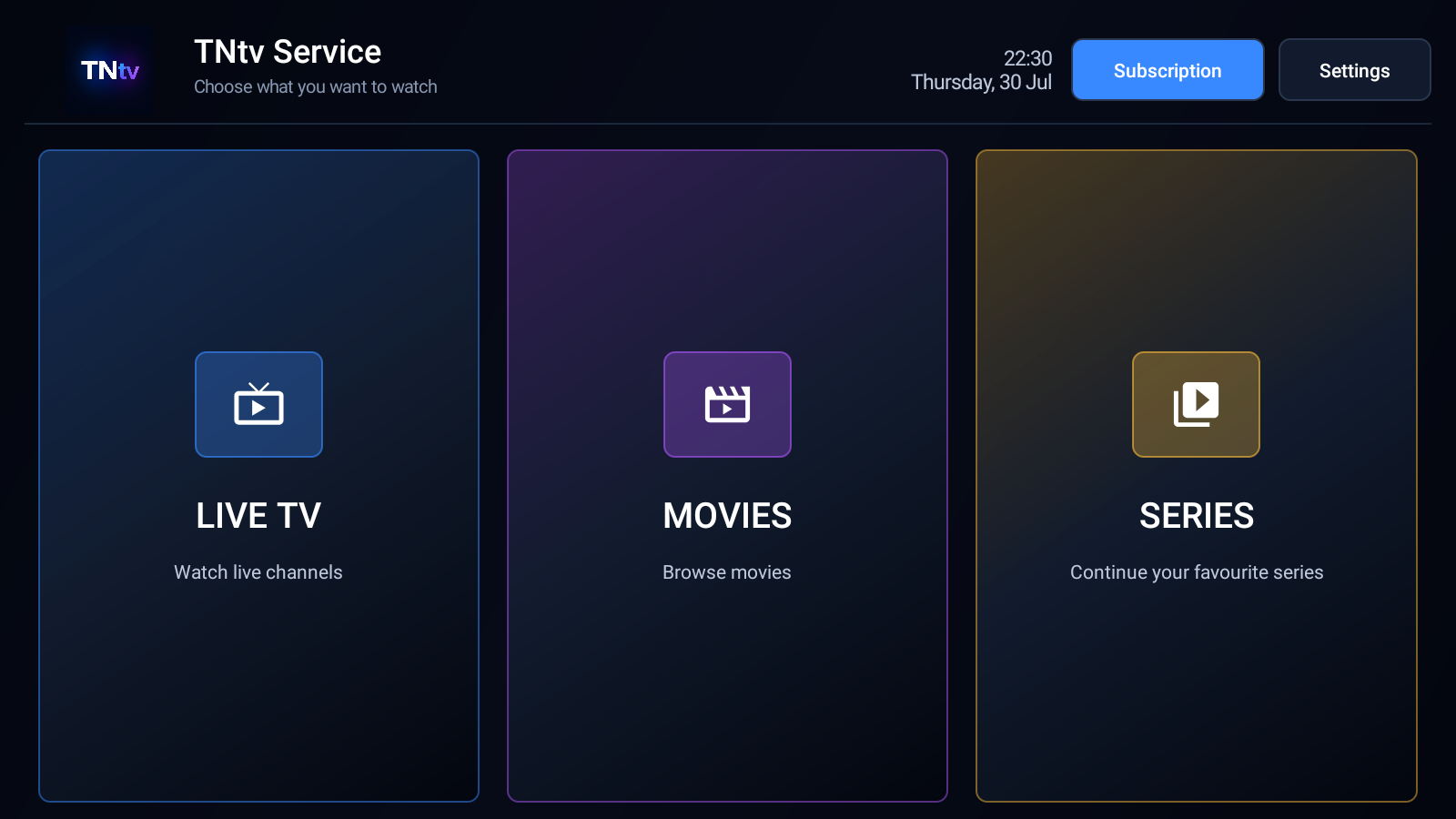
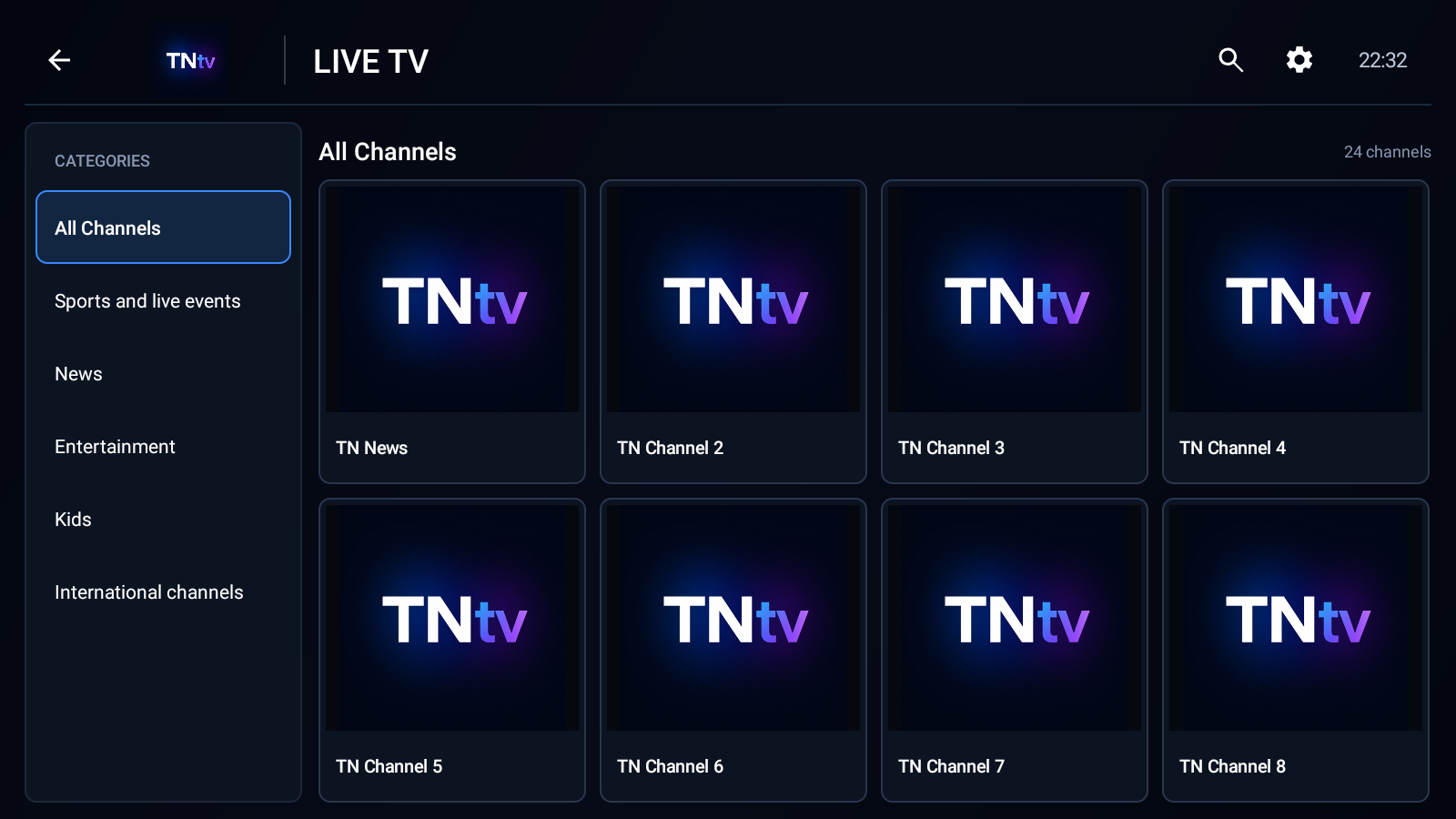
Open Live TV, Movies, and Series to confirm that your connection and device can play content.
- 08
Restore the safety setting
Return to Android settings and disable Install unknown apps for your browser after TNtv is installed.
Install TNtv only when the page address is downloads.tntvmalta.com. TNtv will never ask you to download an unrelated app or enter payment details during installation.
After signing in
What you should see.
These images use demonstration content and contain no customer account information.
Troubleshooting
Android phone and tablet help
Download blocked
Open the browser's Downloads list and confirm the TNtv APK. Make sure storage space is available.
Play Protect warning
Confirm the file came from downloads.tntvmalta.com. Do not continue if another website is shown.
App will not install
Delete the incomplete download, restart the device, download again, and check that Android 6 or later is installed.
Login is not accepted
Check spelling, capital letters, and spaces. Contact TNtv if the details still fail.
Playback does not start
Check the internet connection, retry once, restart TNtv, then contact support if several titles fail.
TNtv Malta support
Still need help?
Tell us which device you are using and which step is not working.